
Imagine you’ve used Voyant Tools to analyze a corpus—maybe a novel, a set of news articles you scraped, or interview transcripts—and you’ve
your saved Voyant link returns a “404.”If you’ve ever had that sinking feeling, this post is for you.
What is a Voyant “mirror”?
A mirror isn’t a lower-quality copy of Voyant Tools. It’s a separate instance of Voyant running on a different server
(with its own base URL). Mirrors exist for practical reasons: they can improve reliability, reduce dependence on a single endpoint, and sometimes offer
better performance for users in particular regions.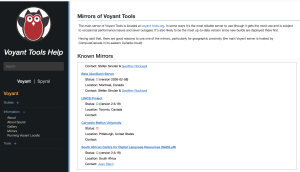
Why mirrors matter (especially for teaching and conferences)
Voyant Tools is widely used in digital humanities teaching and research. At peak times, that popularity can put pressure on any single public instance.
Mirrors help distribute load and strengthen community infrastructure by letting libraries, labs, and research networks support access in different regions.
Important note about “switching” URLs
A corpus created on one Voyant server is usually not transferable to another server simply by changing the base URL.
If you build a corpus on one instance, it won’t automatically exist on a mirror.
For high-stakes moments (like presentations), consider exporting what you need (e.g., a Spyral notebook, screenshots, or other outputs) so you’re not
depending on a single live link.
Community-hosted Voyant instances (selected)
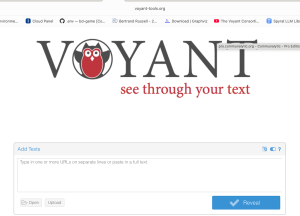
https://voyant.lincsproject.ca
Hosted by the Linked Infrastructure for Networked Cultural Scholarship (Canada).
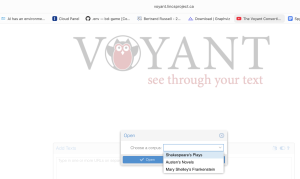
Library-supported instance (United States).
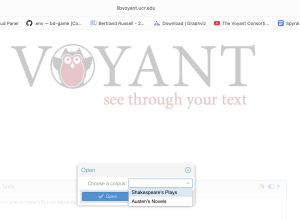
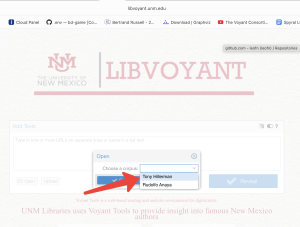
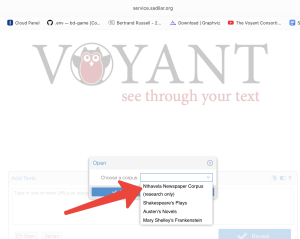
https://service.sadilar.org/voyant/
Hosted by the South African Centre for Digital Language Resources (South Africa).
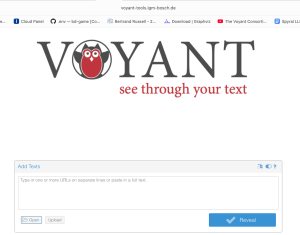
https://voyant-tools.igm-bosch.de/
Hosted by the Institute for the History of Medicine (Robert Bosch Stiftung), Stuttgart (Germany).
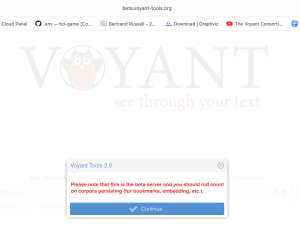
If your institution hosts a mirror and you’d like it listed, community visibility helps strengthen the overall Voyant ecosystem.
How to host your own Voyant mirror (two pathways)
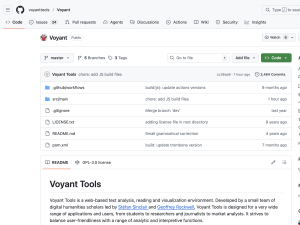
Pathway A: Run Voyant locally (individual or classroom use)
This is the fastest option for workshops, classroom demos, and personal research continuity. The idea is simple: run VoyantServer on your machine, then
open it in your browser via a local (localhost) address.
- Install the required runtime (VoyantServer runs on Java; many deployments use Java 11).
- Download the current VoyantServer release, unzip it, and run
VoyantServer.jar. - Open the local address (typically a
localhostURL) in your browser.
Pathway B: Host a public mirror (library/lab/infrastructure)
A public-facing mirror adds operational layers: server sizing, HTTPS, uptime expectations, and maintenance routines. Many institutions treat this like other
web services: a VM/server, a reverse proxy, and a light monitoring/update schedule.
- Run VoyantServer on a VM/server with memory allocated to match expected teaching/research load.
- Provide a stable HTTPS endpoint via a reverse proxy (a common institutional pattern).
- Establish a light maintenance routine (updates, uptime monitoring, and a retention approach aligned with your policies).
Interested in setting up a mirror?
If you’d like to run a mirror—or you’re already hosting one and want to connect with the community—reach out at
voyanttools@gmail.com.